📝 Notes - Your Digital Brain
Capture first. Organize later.
Unlike regular note apps where you have to manually tag everything, AI Notes uses AI to automatically tag, summarize, and categorize your entries.
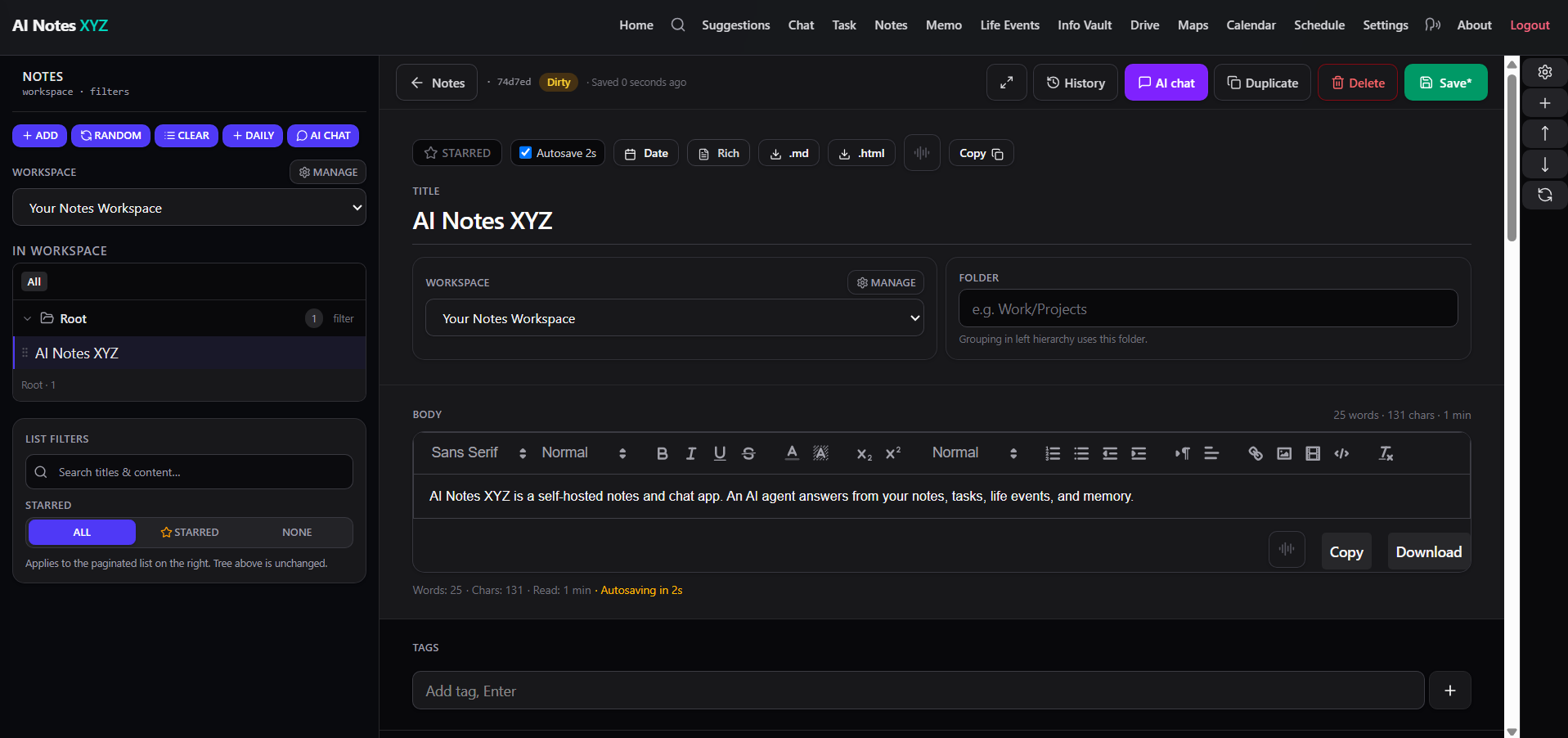
🌟 Why AI Notes are Different
1. No More Folder Fatigue
Just write. The AI reads your content and suggests Tags (e.g., #idea, #project-launch, #meeting).
It even generates a 1-sentence summary so you can see what a note is about without opening it.
2. Talk to Your Notes
Open any note and click the ✨ Chat button.
- Ask: "Extract action items from this meeting."
- Ask: "Rewrite this in a professional email tone."
🚀 Pro Tips
Favorites
Star important notes to pin them to the top of your workspace. Perfect for daily journals or project specs.
🔍 Features at a Glance
| Feature | Description |
|---|---|
| Rich Text | Code blocks, tables, lists, and headings supported. |
| Workspaces | Keep "Work" notes separate from "Personal" notes. |
| Comments | Add context or updates without changing the main content. |
| Search | Full-text search across title, content, and tags. |